Most homeowners decide in under a minute whether to call you or hit the back button. A good home service website doesn’t need to be fancy. It needs to answer a few questions fast: what you do, where you work, why they should trust you, and how to reach you.
Here’s a simple checklist you can use to review your own site.
1. A clear headline that says what you do and where
The top of your homepage should say exactly what you do and the area you serve. “Roof repair and replacement in Newport News and Hampton” works better than “Quality you can trust.” Visitors, and Google, should understand your business in one glance.
2. A phone number and a quote button you can’t miss
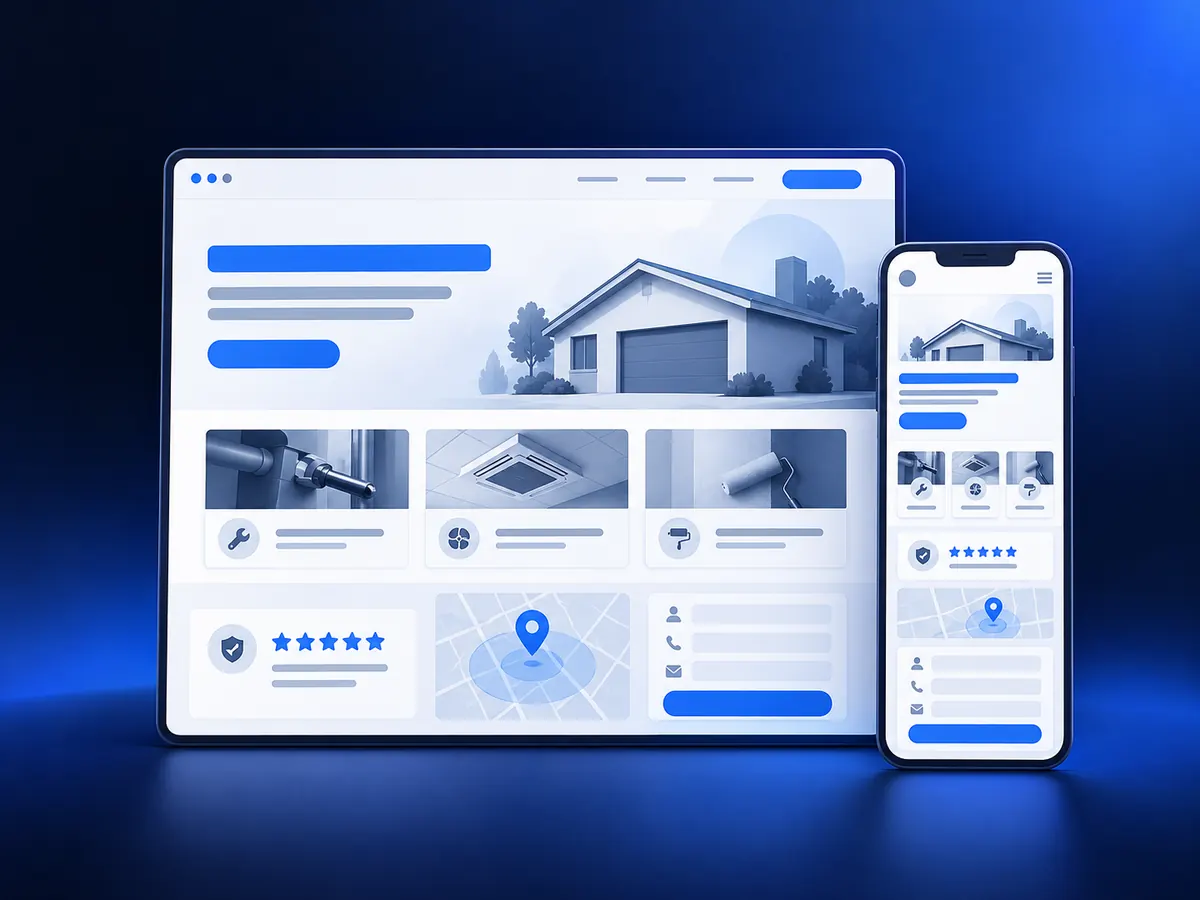
On a phone, your number should be one tap away. Put a “Call” button and a “Get a Quote” button near the top of the page, and repeat them as people scroll. If someone has to hunt for how to contact you, many won’t.
3. One page for each main service
If you do roof repair, roof replacement, and gutters, give each one its own page. Our Local Trust Website package is built around this. Each page should explain the problem you solve, what the job includes, and what happens next. This helps customers find exactly what they need, and it helps you show up when people search for that specific service.
4. The towns and areas you serve
List the cities and neighborhoods you cover. Many homeowners search for “service + city,” so a clear service area section, or simple pages for your main towns, helps the right people find you.
5. Real photos of your work and your team
Stock photos look like every other website. Real photos of your crew, your trucks, and finished jobs build trust fast. Before-and-after photos are especially strong for roofing, remodeling, cleaning, and landscaping.
6. Reviews and proof
Show real reviews from Google or other platforms, and link to your Google Business Profile. Google’s Business Profile Help explains how to ask customers for reviews. Licenses, insurance, warranties, and years in business also help people feel safe choosing you. Never write reviews yourself. Real ones are worth far more.
7. A short, simple quote form
Ask only for what you need to call them back: name, phone, email, service needed, and a short description. Long forms lose people. Make sure every form submission reaches you right away, by email, text, or your CRM.
8. A fast reply after they reach out
This isn’t a page, but it matters more than almost anything else. Many leads go to the first business that answers. An automatic text or email that confirms you got their request, plus a quick call back, keeps leads from moving on to the next company. This is what our follow-up systems handle for you.
9. Fast loading on a phone
Most of your visitors are on their phone, often outside or in a hurry. A slow, heavy site loses them before it even loads. Test your site on your own phone using mobile data, not Wi-Fi. Google Search Console is free and shows if Google finds problems on your pages.
A quick self-check
- Can a stranger tell what you do and where in 5 seconds?
- Can they call you with one tap on a phone?
- Does each main service have its own page?
- Do you show real photos and real reviews?
- Is your quote form short, and does it reach you instantly?
- Does your site load quickly on a phone?
If you answered “no” to two or more, your website is probably costing you calls. The good news: most of these fixes are simple once you know where the gaps are.